
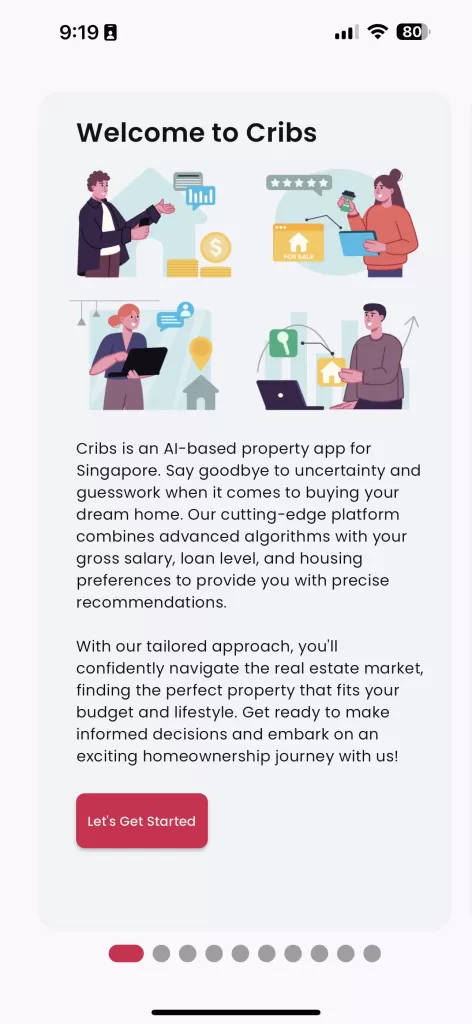
User Onboarding page is a process that uses a wizard to set the user profile of a user and depending on the role, completes the Affordability Analysis or Agent verification.
Intended Users
What To Expect
Here is a shot video clip on the User Onboarding process after Registration. The user will be guided through a mandatory wizard. The Financial Analysis portion is option and the user can skip this.
About
Cribs is a hyper-personalised app. User preferences are entered during User Onboarding through a wizard to set the user profile and depending on the role, completes the Affordability Analysis or Agent Onboarding.
If You Are
A. Buyer / Seller
- Description: As a Buyer/Seller, you will taken through the Buyer/Seller process.
- Tip: Accurate information is required to calculate TDSR, MSR and LTV limits.
B. Renter
- Description: As a Renter, you will be taken through the Renter process.
- Tip: Recommendations will be more accurate if the user preferences are entered correctly.
C. Agent
- Description: If you are an Agent, you will be taken through the Agent Onboarding process.
- Tip: Get your CEA Salesperson Registration Number ready!
Contact and Support
Need further assistance? Contact our support team via the About section on our website or email support@cribs.com.sg

