
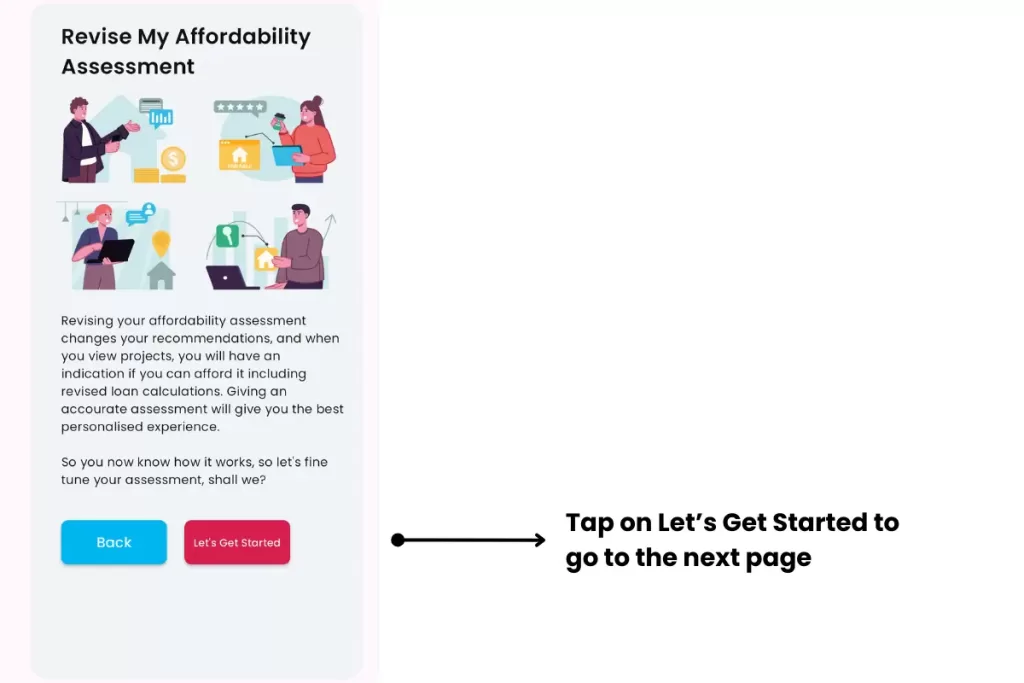
Agent Onboarding page identifies the user as an Agent during the Affordability Analysis process. If the user chooses an Agent profile, the user will be led through a verification process.
Intended Users
About
Agent Onboarding page identifies the user as an Agent during the Affordability Analysis process. If the user chooses an Agent profile, the user will be led through a verification process. This is to ensure that the Agent is a registered CEA Salesperson. Any false representation may be reported to CEA.
Agent
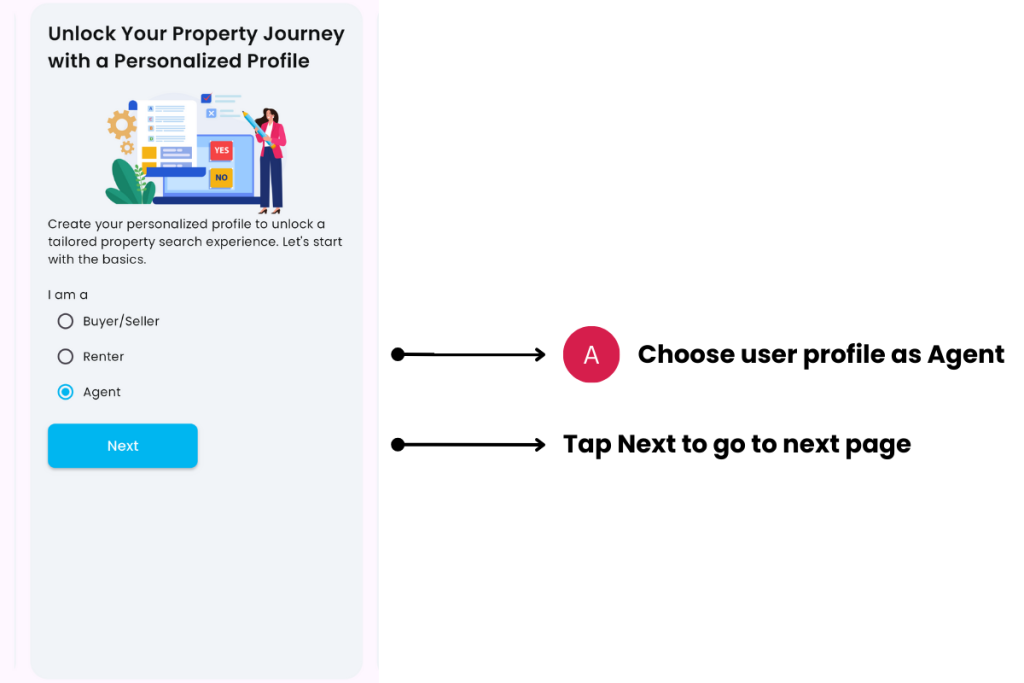
A. Choose user profile as Agent
- Description: By choosing Agent as a profile, you will connected to CEA and led through a verification process.
- Tip: Use your CEA Salesperson Registration Number.


C. Enter keywords to find your CEA Salesperson details
- Description: Use your CEA Salesperson Registration Number or Full Name. Tap on the list to find your record.
- Tip: Do not impersonate another agent. False information may be reported to CEA.

Complete the verification by tapping on Let’s Begin. Your Home page widget will display the Agent block.
Contact and Support
Need further assistance? Contact our support team via the About section on our website or email support@cribs.com.sg

